
Drive with Confidence – HIKVISION 1080P WiFi DashCam
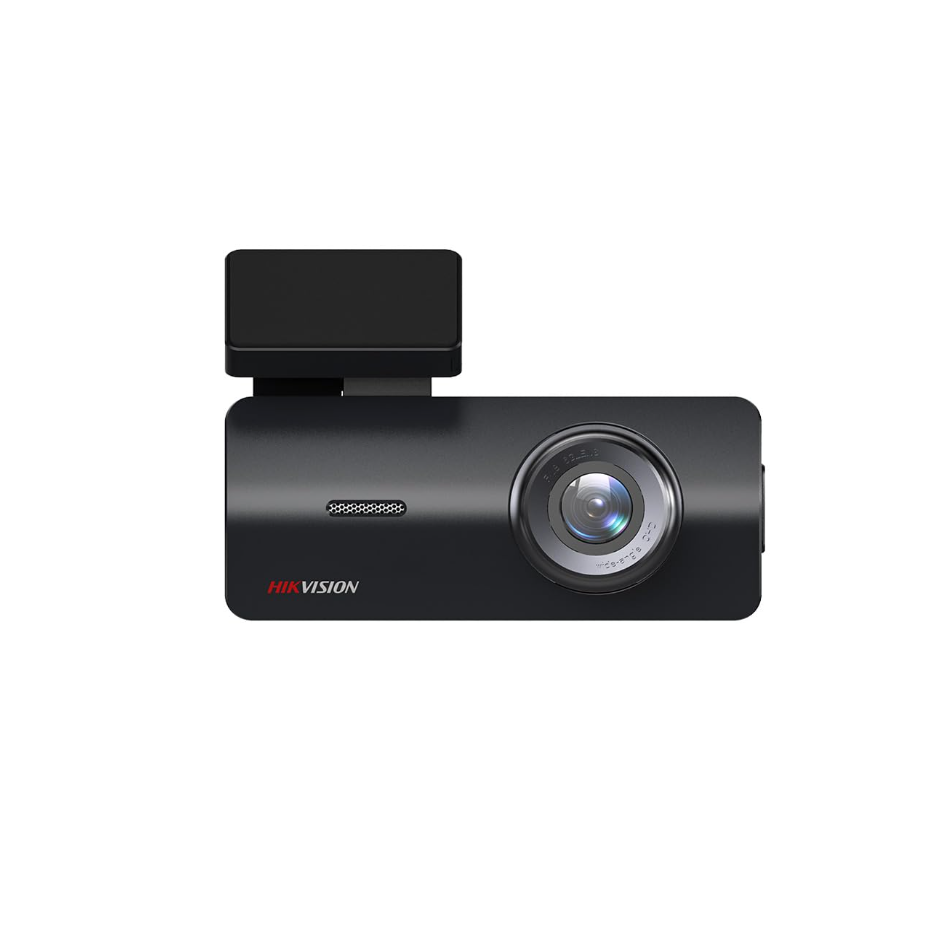
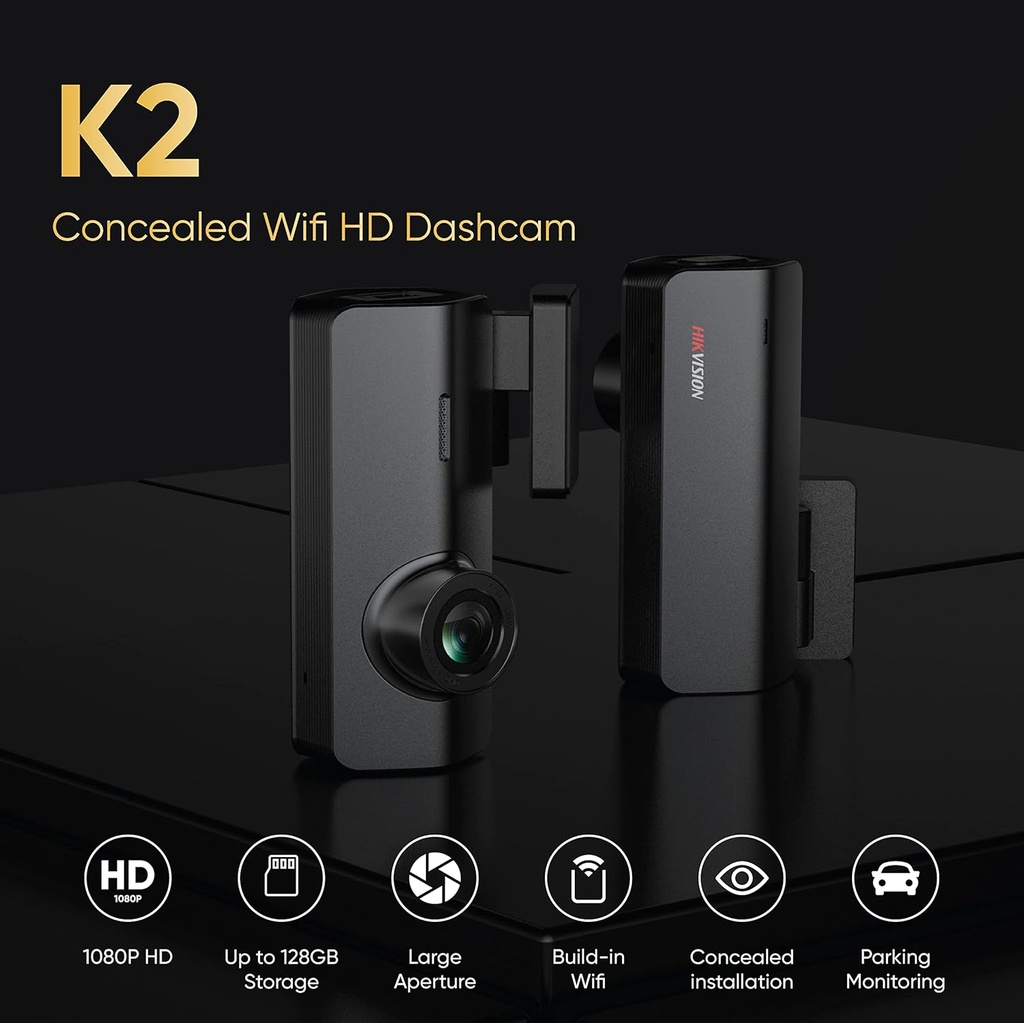
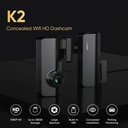
Stay in control of every journey with the HIKVISION 1080P DashCam in sleek black. This dashcam captures crisp full HD video (1920x1080p) with a 2MP sensor, offering a 102° horizontal and 122° diagonal wide-angle view. The 5-layer HD glass lens with filter ensures clear footage in varying light conditions. Built-in WiFi creates a hotspot to connect to your smartphone via the HIKVISION app, allowing live streaming and easy video sharing to social media apps like WhatsApp. With night vision, 3D denoising, and a G-sensor that automatically records upon impact, this dashcam provides reliable evidence on the road. Supports microSD cards up to 128GB (recommended brands: Samsung EVO Plus, HP, Kingston, Transcend) and features loop recording. Easy plug-and-play installation with automatic recording.
Key Features
Full HD 1080P Recording: 2MP sensor with 102° horizontal and 122° diagonal wide-angle view, 5-layer HD glass lens with filter for clear day and night footage.
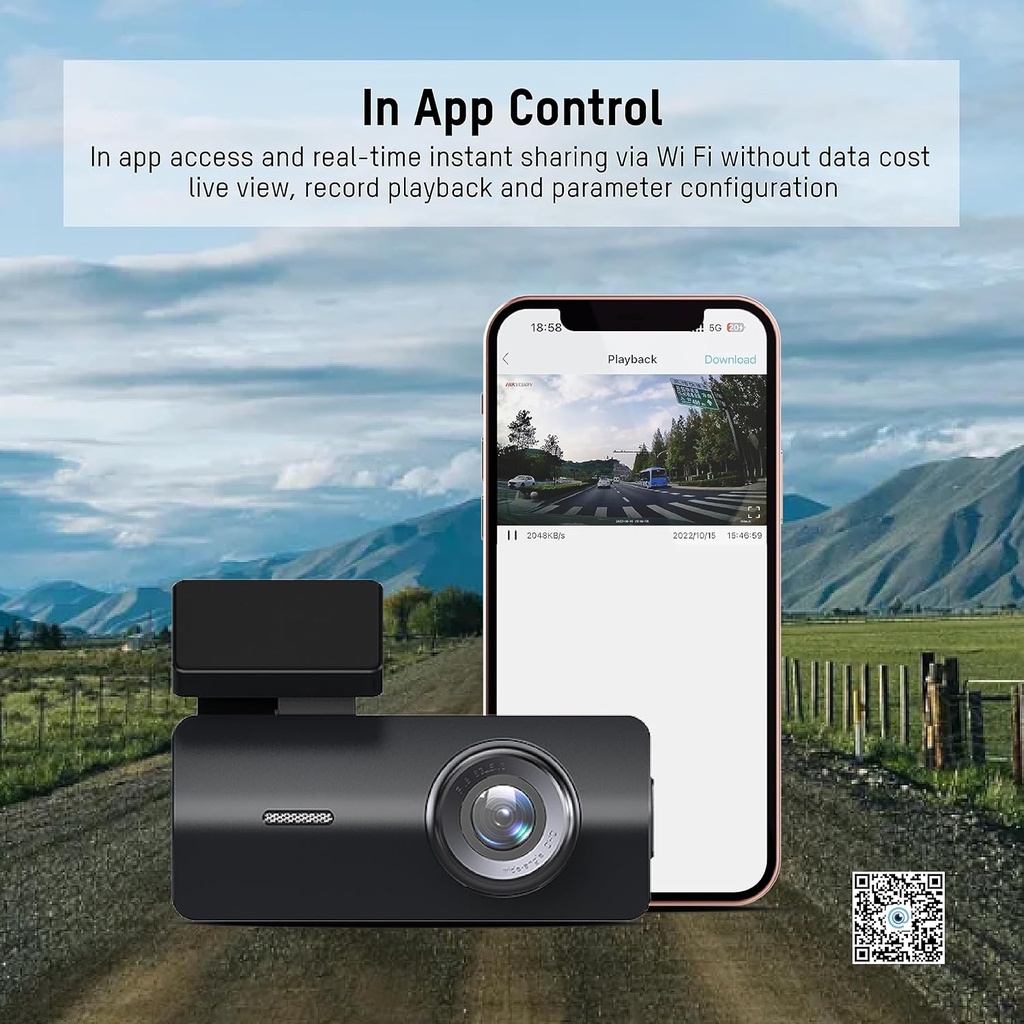
Built-in WiFi: Create a WiFi hotspot to connect to your phone for live streaming, playback, and video sharing via apps like WhatsApp.
Night Vision & 3D Denoising: Enhanced low-light performance with 3D noise reduction ensures clear video even at night.
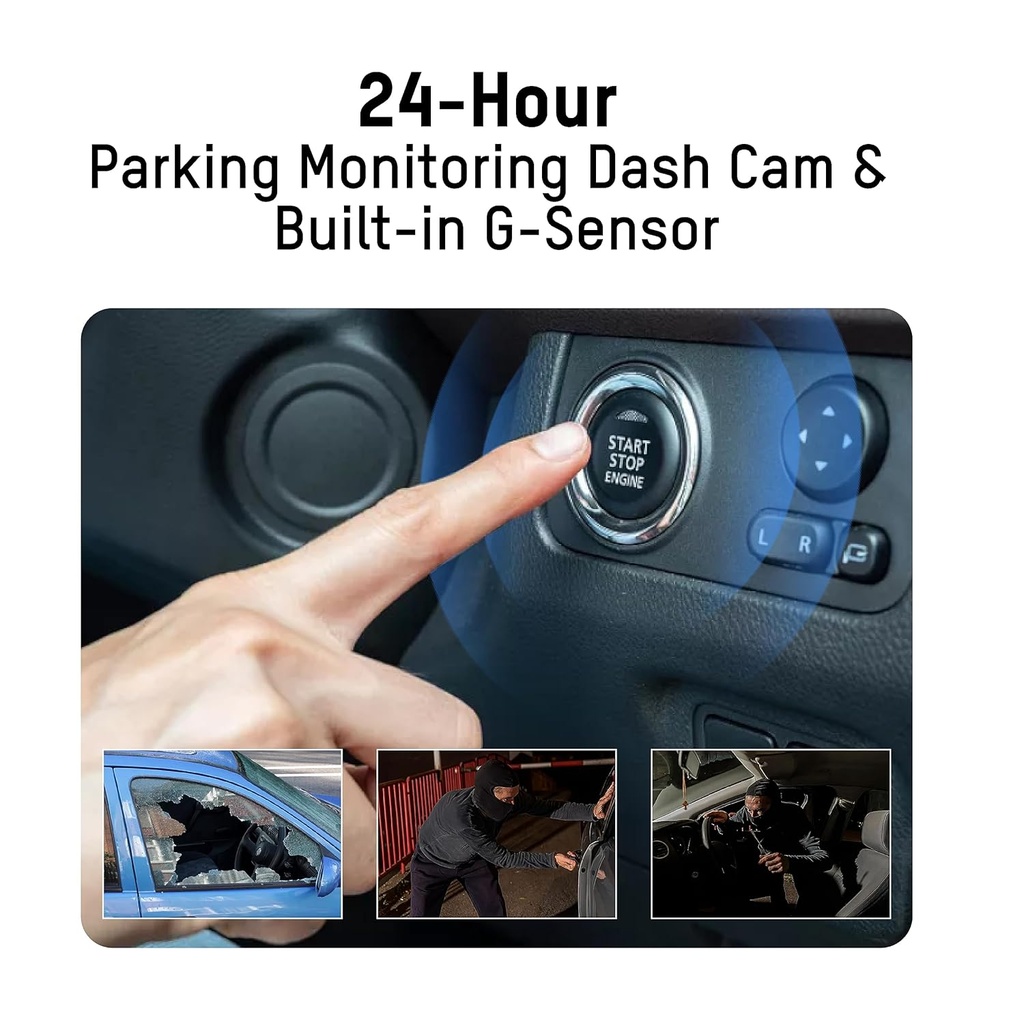
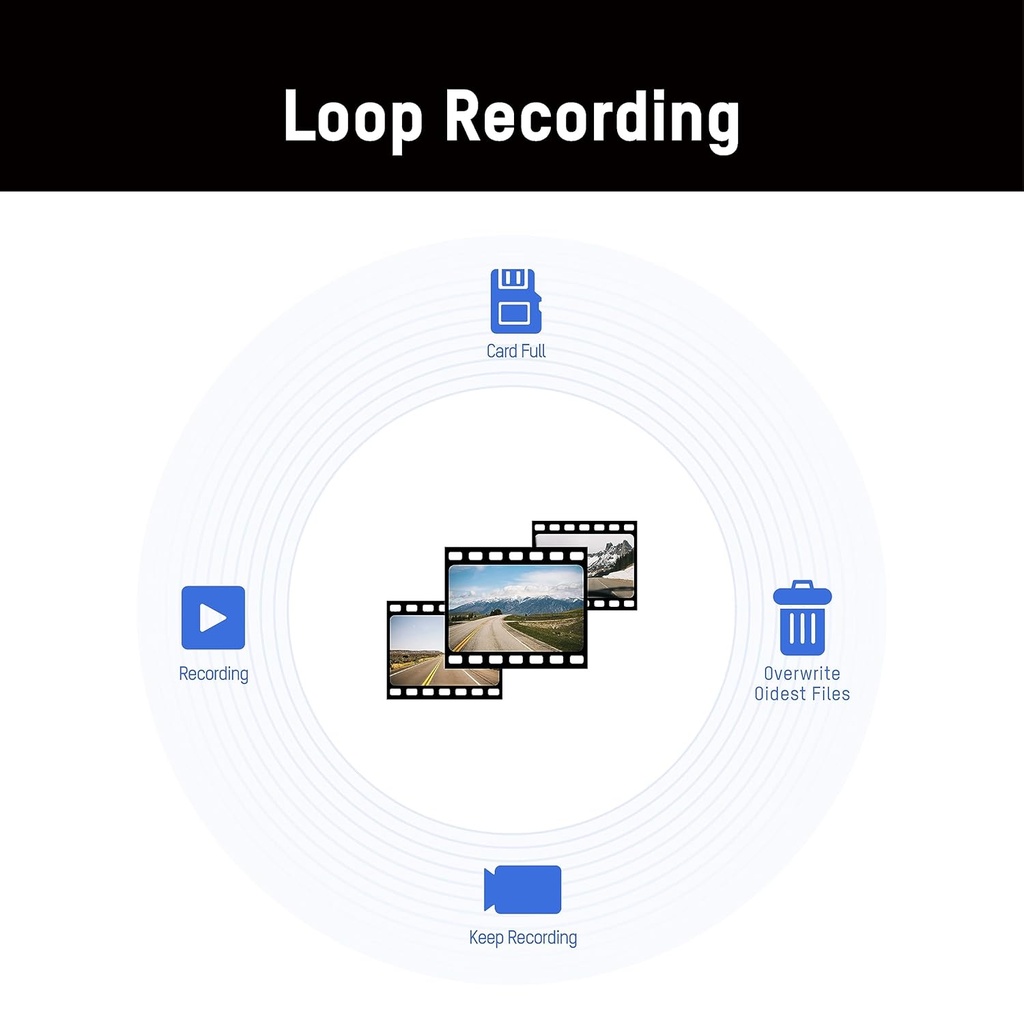
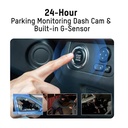
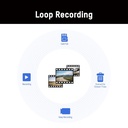
G-Sensor & Loop Recording: Built-in G-sensor automatically locks and saves footage upon collision or strong vibration. Loop recording overwrites old footage when card is full.
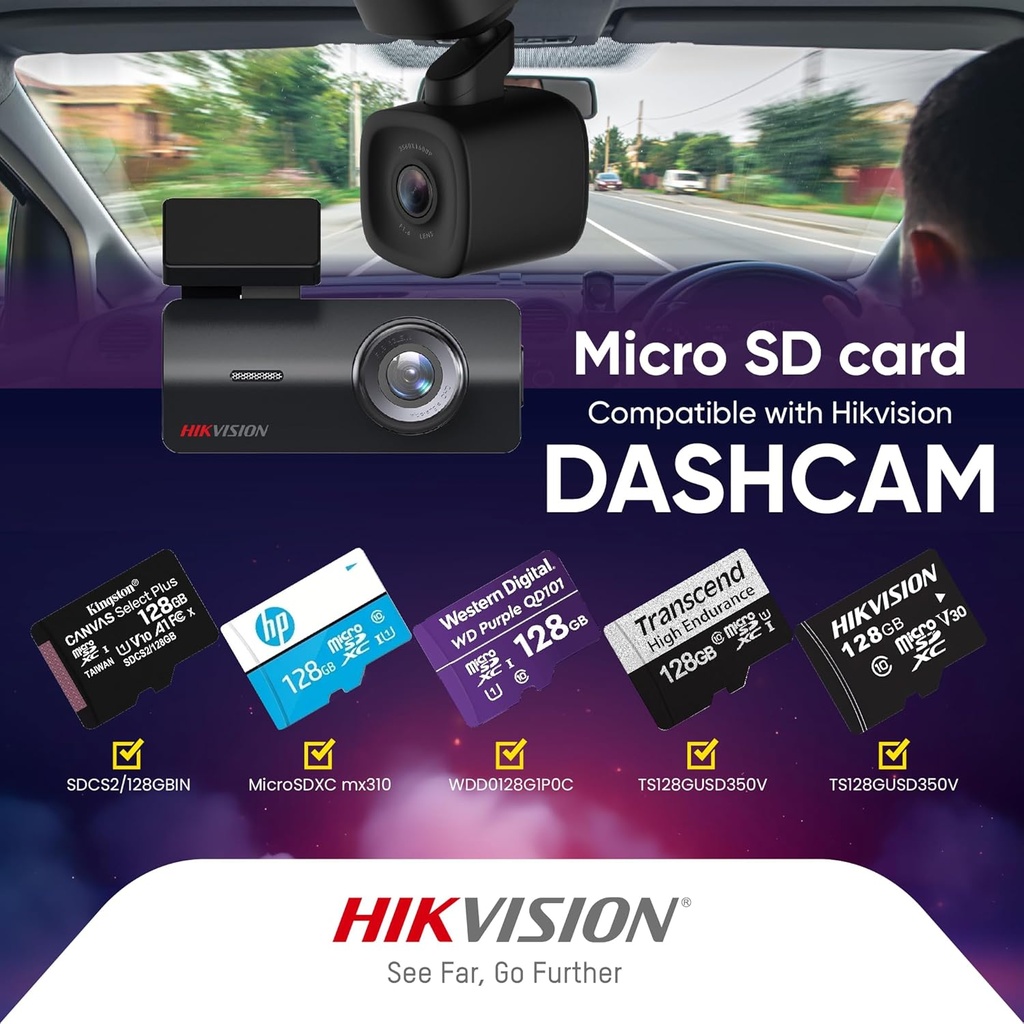
Audio & Storage: Built-in microphone and speaker for audio recording. Supports microSD cards up to 128GB (recommended: Samsung EVO Plus, HP, Kingston, Transcend).
Frequently Asked Questions
Q: Does this dashcam support memory cards larger than 128GB? A: No, the maximum supported capacity is 128GB. We recommend using high-speed cards from Samsung, HP, Kingston, or Transcend for optimal performance.
Q: How do I connect to the dashcam via WiFi? A: After installing the HIKVISION app on your smartphone, power on the dashcam and enable WiFi in its settings. Then connect your phone to the dashcam's WiFi network (SSID and password are provided in the manual). Open the app to start live streaming or downloading videos.