Unleash 100 Creative Expressions with the FujiFilm Instax Mini Evo
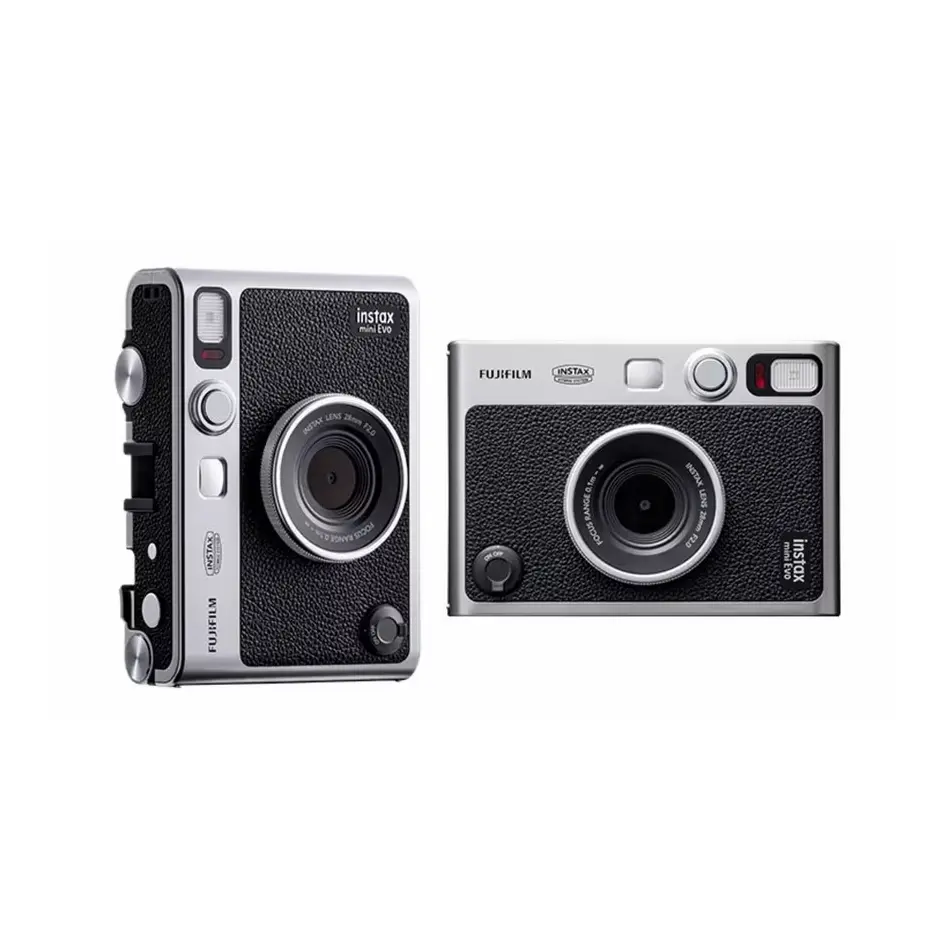
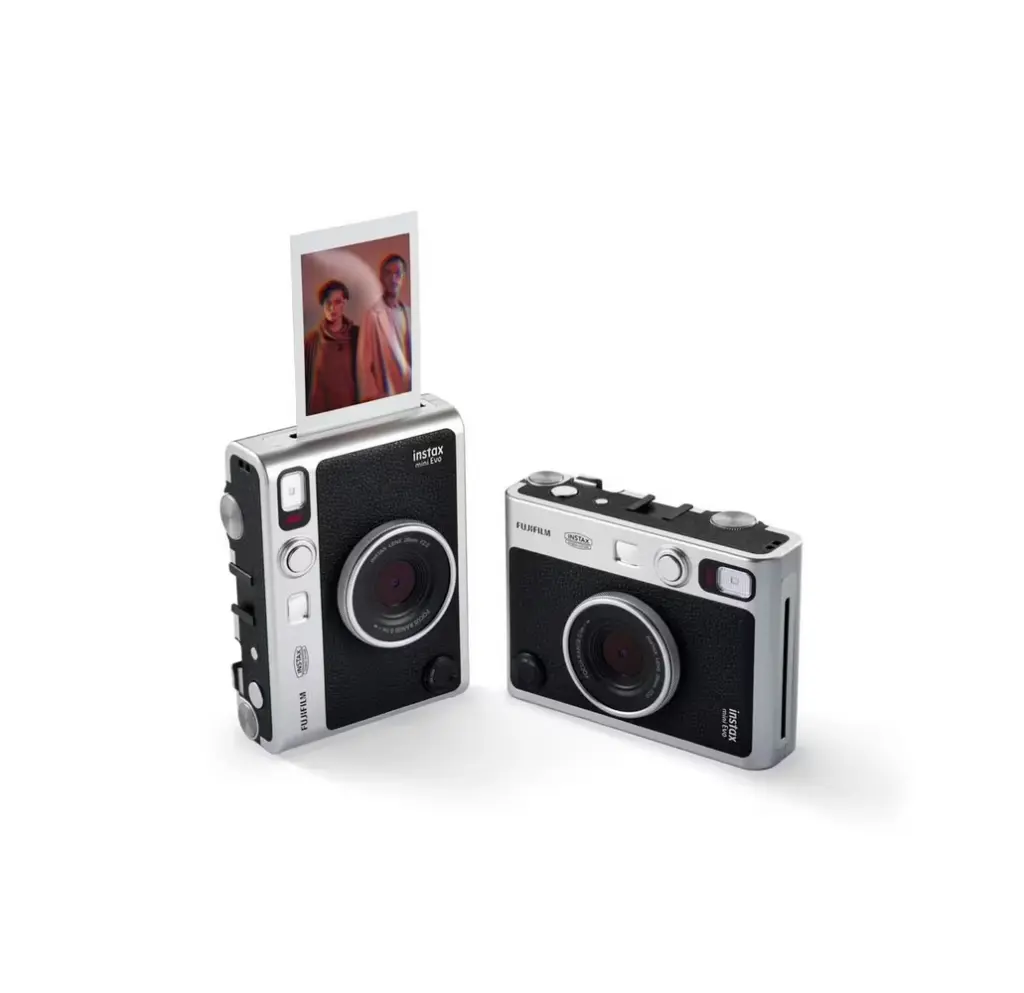
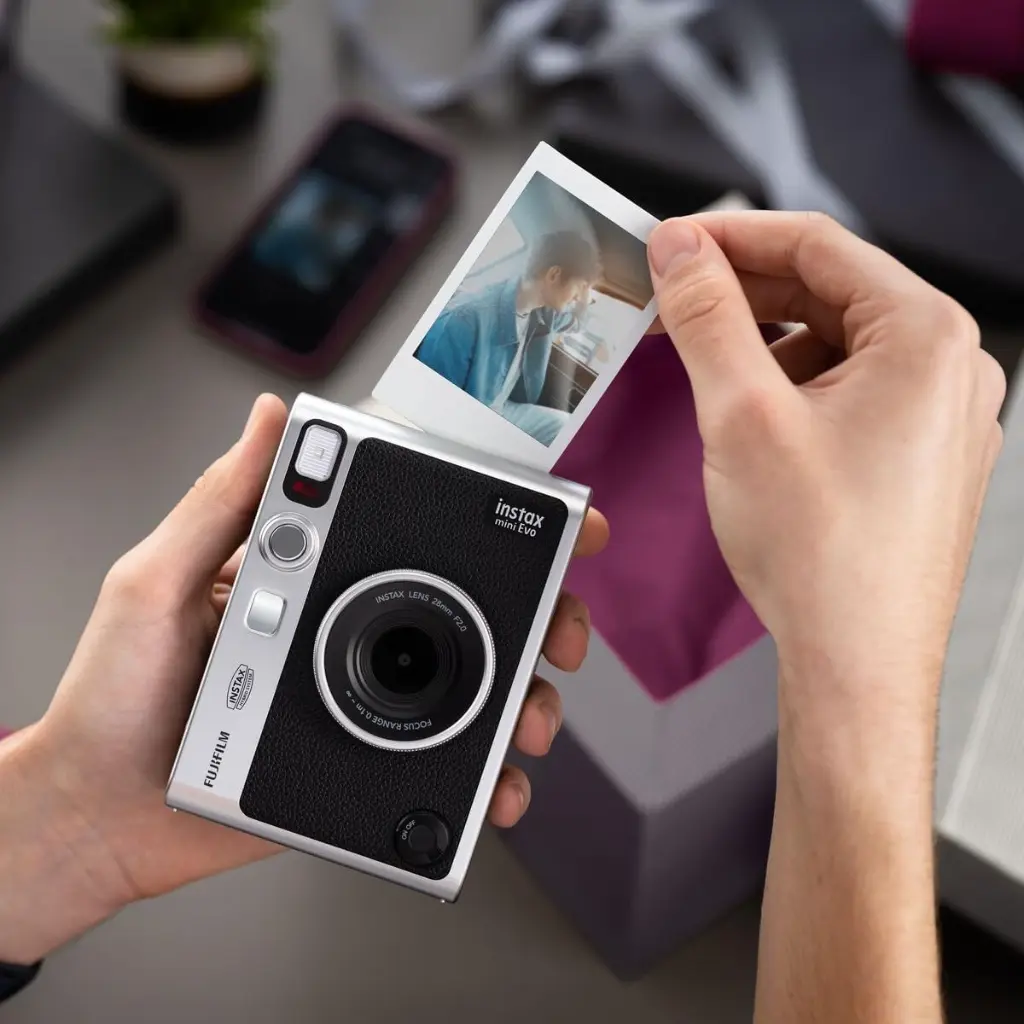
The FujiFilm Instax Mini Evo in sleek black is our most expressive instant camera yet. Merging analogue aesthetics with digital convenience, it puts endless possibilities at your fingertips. With 10 lens effects and 10 film effects, you can create over 100 unique looks—from vivid and retro to soft focus and monochrome. Whether you're capturing everyday moments or artistic masterpieces, the Mini Evo lets you express your unique point of view and share life's beautiful nuances.
Key Features
100 Different Expressions: Experiment with 10 lens effects and 10 film effects to create stunning, evocative, and dynamic images. Adjust vividness, go retro, soften focus, or lose color—there are 100 ways to capture your vision.
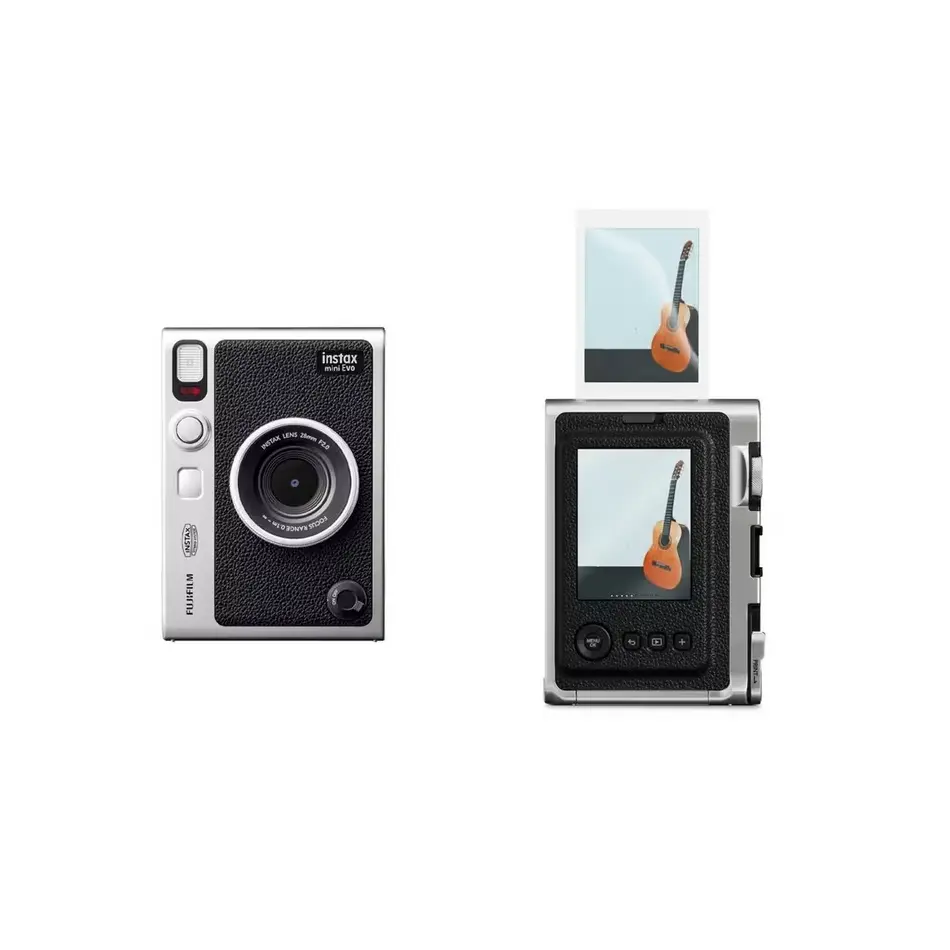
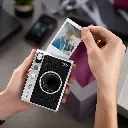
Design Focused: Luxurious design with a razor-sharp finish, analogue look and feel, and a traditional film camera lever to print photos. Built-in selfie mirror makes selfies effortless.
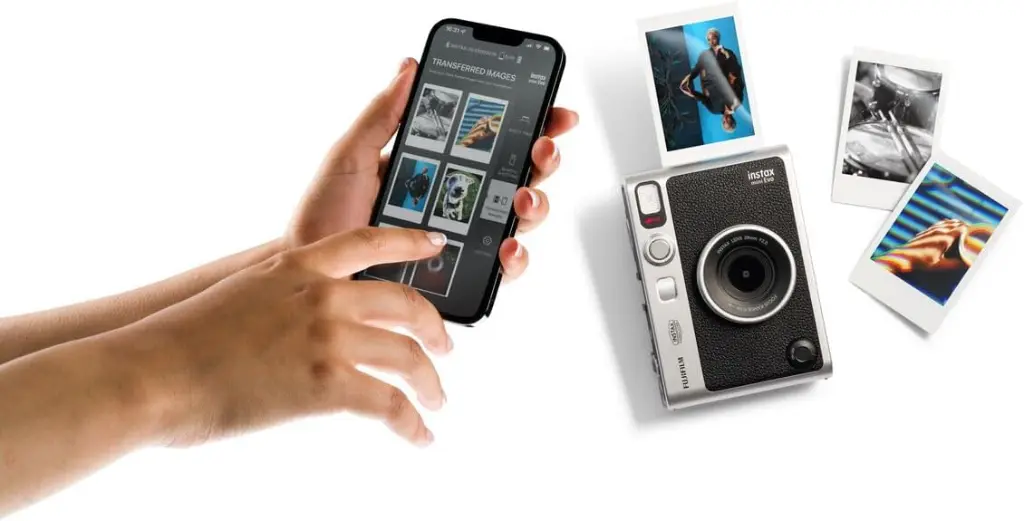
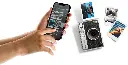
Smartphone Printer: Print directly from your smartphone via the Instax Mini Evo app. Adjust crop, rotate, brightness, contrast, saturation, and add filters before printing your mini masterpieces.
Save Images: Every printed image is saved digitally to your smartphone, turning it into your personal print gallery for easy sharing on social media.
Remote Shooting: Connect your smartphone for a remote shutter button—ideal for group photos, portraits, and wildlife shots.
Colour & Editing Modes: High-resolution prints with doubled resolution compared to previous hybrid models. Choose instax-Rich Mode for vibrant colors or instax-Natural Mode for a classic feel. Adjust exposure and white balance for ultimate creativity.
Frequently Asked Questions
Q: How many lens and film effects does the Instax Mini Evo have? A: It features 10 lens effects and 10 film effects, allowing for 100 unique combinations.
Q: Can I print photos from my smartphone? A: Yes, you can print directly from your smartphone using the Instax Mini Evo app.
Q: Does it save images digitally? A: Yes, every printed image is saved to your smartphone for easy sharing.
Q: Can I use it remotely? A: Yes, you can connect your smartphone to use it as a remote shutter.